How to Write a Software Brief Developers Can Quote On
You don't need technical knowledge to brief a developer well. Here's what to include in a software brief so you get accurate quotes, fewer surprises and a build that fits your business.
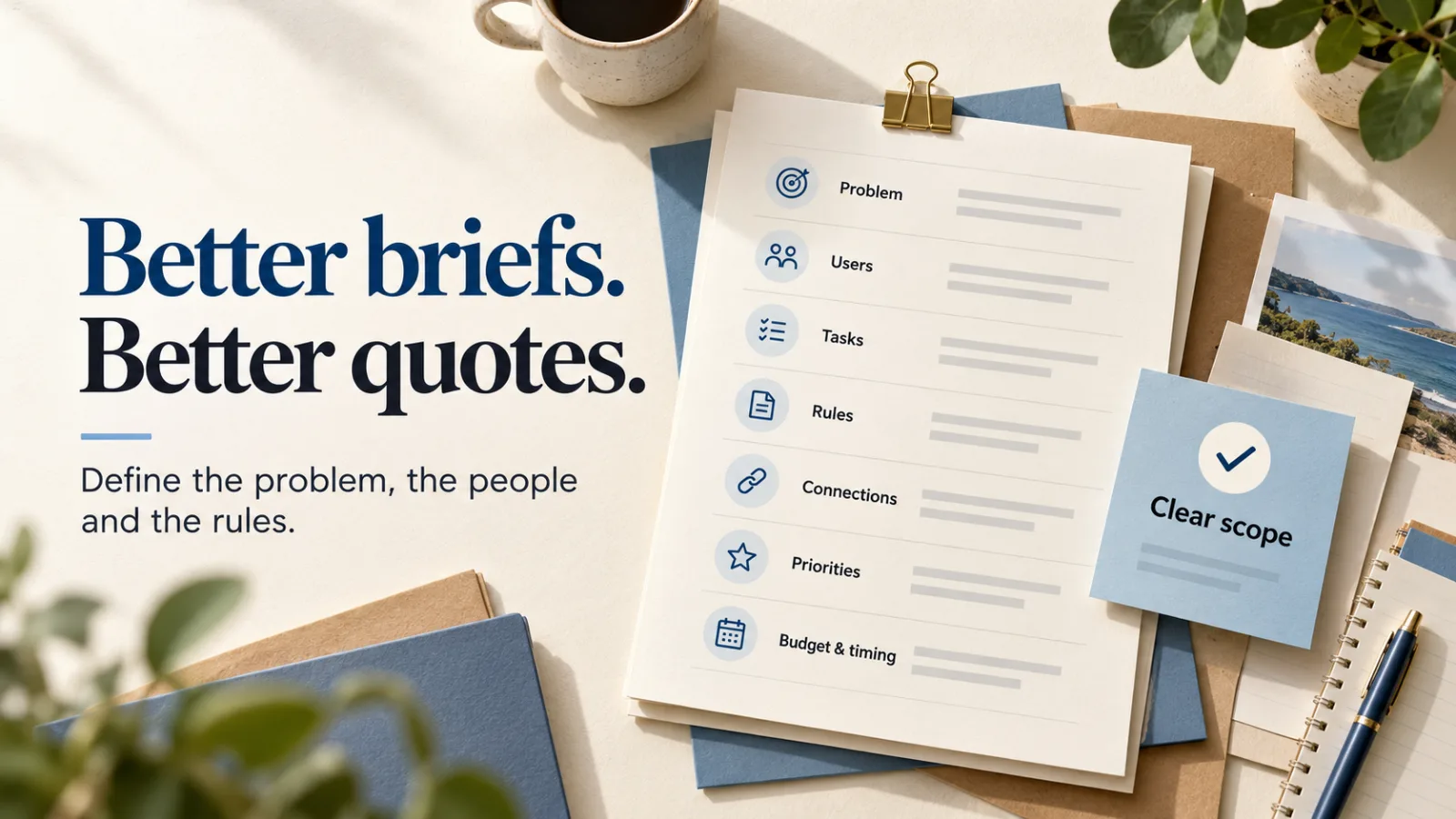
The quality of a software quote depends on the quality of the brief. A vague brief gets vague, padded or wildly different quotes. A clear one gets accurate pricing and a better build.
The good news: you don't need to be technical to write a good brief. You just need to describe your business clearly.
You don't need a 40-page spec
Developers don't need you to design screens or pick technologies. They need to understand the problem, the people and the rules. A few pages in plain English beats a long technical document every time.
1. The problem
Start with why. What's not working today, and what does success look like?
"We take event entries by email and spreadsheet. Entries get lost, payments are chased by hand, and it takes two days to build the schedule. We want entrants to sign up and pay online and the schedule to build itself."
2. Who will use it
List each type of user and roughly how many:
- Your staff (how many, what roles)
- Your customers (how many, and are they on phones or computers?)
- Anyone else: contractors, judges, suppliers, accountants
3. What they need to do
For each user type, list the main tasks in plain words:
- "Customers book a time, pay a deposit and get a confirmation email."
- "Staff see today's bookings and mark them complete."
- "The owner sees monthly revenue and unpaid invoices."
4. Your business rules
This is the most important section and the one most often missed. Rules are where the cost and complexity live.
- How are prices calculated? Any discounts, surcharges or GST quirks?
- What happens when someone cancels? Refunds, credits, fees?
- Who's allowed to see or change what?
- What are the exceptions — the things that "only happen sometimes"?
Real examples help enormously. Share a sample invoice, a confusing booking or last year's tricky case.
5. What it connects to
List the tools it needs to talk to: Xero, Stripe, Square, Google Calendar, Mailchimp, your website, an existing database.
6. What you have now
Share your current spreadsheets, forms, emails and screenshots. If you're moving data from an old system, say how much there is and how messy it is.
7. Must-haves vs nice-to-haves
Split your list in two. The must-haves are the first release. The nice-to-haves come later, once you've used the system. This single step does more to control cost than anything else.
8. Budget and timing
Give a budget range, even a rough one. It isn't a negotiating mistake — it lets a developer suggest the best solution for what you can spend, instead of guessing. Mention any hard deadlines too, like a season start or event date.
What to leave out
- Screen designs (unless branding really matters to you)
- Technology choices
- Every possible future feature
A one-page template
Copy this and fill in the blanks:
- The problem: what's not working and why it matters.
- Success looks like: what's different when it's done.
- Users: each type and how many.
- Main tasks: what each user needs to do.
- Rules: pricing, cancellations, permissions, exceptions.
- Connections: other tools it must work with.
- Current setup: what you use now, with examples attached.
- Must-haves: the first release.
- Nice-to-haves: later.
- Budget and deadline: a range and any fixed dates.
Not sure if you're ready to build? See how much custom software costs first.
Got a brief — or half of one? Send it to us. We'll help fill the gaps before we quote.