How AI is making custom software more affordable for small businesses
AI is making custom software more affordable by speeding up routine coding. Experienced developers still handle design, security and testing, helping small businesses build booking systems, client portals and internal tools for less.
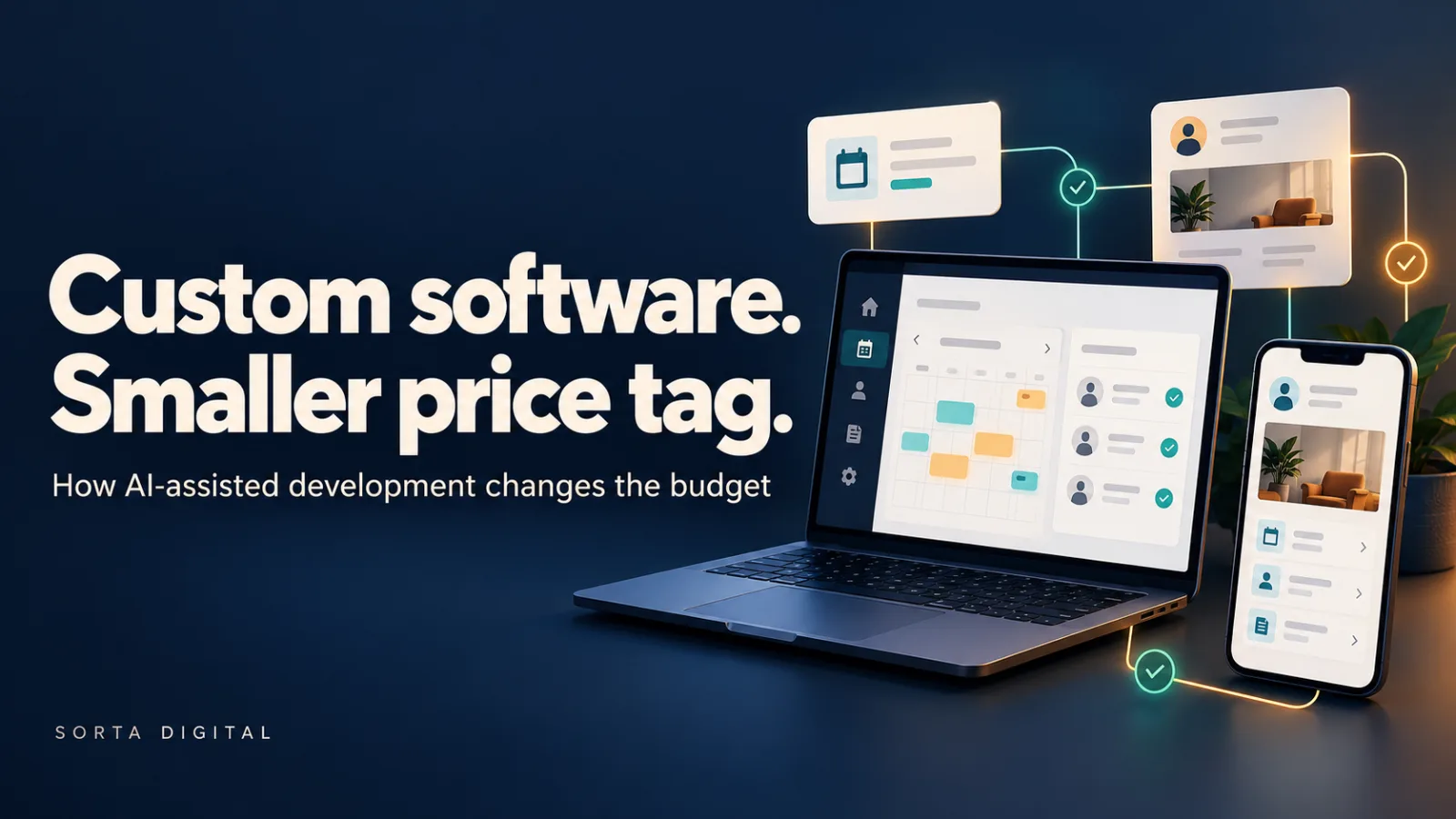
A booking system that fits your business. A portal where clients can help themselves. An internal tool that finally replaces that spreadsheet everyone is afraid to touch.
For many small businesses, custom software has felt out of reach. AI-assisted development is changing what can be practical within a smaller budget, particularly for clearly scoped new projects.
It can reduce the time spent on routine coding. An experienced developer still needs to understand the business, design the system and check that it works.
Here's where the savings can come from, and what still needs proper time and attention.
The short version
- AI can speed up repetitive development work, leaving more time for the parts specific to your business.
- Developers still make the design decisions, review the code and verify the result.
- A focused new build can be a good fit; complex integrations and older systems need more investigation.
- The useful measure is the cost of reliable, working software, including its ongoing upkeep.
What AI actually does in a developer's day
Modern coding assistants can draft more than a single line. A developer might ask for a refund screen with a confirmation step and an audit record. The assistant can produce a starting point for the screen, server-side logic, database changes and tests.
That draft still needs scrutiny. Who can issue a refund? What happens if the payment provider times out? Can a double-click trigger two refunds? Does the confirmation screen work on a phone?
The developer's work includes directing the assistant, reviewing its output, making technical decisions and testing the complete journey. Generating code quickly only helps when that code does the right thing.
Where the savings can come from
1. Less time on repetitive code
Forms, list pages, validation and settings screens tend to follow familiar patterns. AI can help draft these using the conventions of the project, reducing the amount of work that starts from a blank file.
They still need to be connected, reviewed and tested. But spending less time on the repetition can leave more budget for the features that make your business different.
2. More room for useful tests
AI can help draft automated tests and suggest cases a developer might otherwise miss. That can make testing more achievable within a small project's budget.
The tests need review too. A test that repeats the same mistaken assumption as the code provides false confidence. The valuable tests check real business rules, permissions and failure cases.
3. Earlier feedback on working software
A working screen makes a discussion much easier. You can try a booking flow and say, "We need to collect that information earlier," before the whole system is built around the wrong assumption.
Faster drafts can shorten that feedback loop. Your team gets something concrete to assess, and the developer can adjust it while changes are still manageable.
4. A smaller team for a focused project
Some projects can be delivered by a smaller team using AI to support implementation, testing and documentation. That can reduce handovers and coordination overhead.
Specialist design, security or integration work may still need additional expertise. The right team depends on the job.
5. Less friction around documentation
AI can help draft user guides, help text and technical notes from the implemented system. Those drafts still need checking, but they can make documentation easier to maintain as features change.
Why a fresh start can help
A new project lets the developer establish consistent patterns from the beginning. There are fewer old assumptions to investigate and fewer fragile dependencies to work around.
An older system may contain years of undocumented rules, unusual data and integrations that nobody wants to disturb. AI can assist with that work, but understanding the existing behaviour remains a substantial task.
A replacement is not automatically the best answer, either. Improving one awkward workflow or connecting tools you already use may deliver better value.
What still needs proper time and budget
Some work remains essential, however quickly the code is drafted:
- Understanding your business: your pricing, approvals, exceptions and day-to-day processes need to be understood before they can be automated.
- Designing the foundation: the data model and system structure affect how easily the software can change later.
- Security and privacy: access controls, payments and customer information need careful implementation and verification.
- Integration and data migration: connecting other services and moving existing records can take more effort than building the screens.
- Running and maintaining the system: hosting, subscriptions, backups, monitoring and updates remain part of ownership.
- Your feedback: someone in your business still needs to try the software and confirm that it fits the work.
Why experience still matters
AI-generated code can look convincing and still mishandle a refund, expose a customer's details or fail on a phone.
The value of an experienced developer is knowing what to question, how to investigate it and what evidence is needed before release. Human accountability matters whether the software was typed by hand or drafted with AI.
What this means for your budget
For a suitable project, reduced implementation time can mean a lower build cost, more functionality within the same budget or an earlier first release.
There is no honest blanket discount or delivery timeframe. Scope, integrations, data migration and review requirements all affect the quote.
Start with the smallest useful version: the workflow that removes the most manual work or solves the most expensive problem. Price that first, including ongoing costs, then decide what deserves to come next.
How we use AI at Sorta Digital
We use AI as part of our development toolkit, including work on competition management, booking and accommodation systems.
Our approach is straightforward:
- Understand how your business works and identify the problem worth solving.
- Define a useful first release and design its data and workflows.
- Use AI to assist with implementation, with developer review and testing.
- Check the important journeys across desktop and mobile.
- Put working software in your hands early, then improve it using your feedback.
The goal is practical custom software, with a clear scope and a realistic cost to build and run.
Have a spreadsheet or workaround your business has outgrown? Get in touch and tell us what it does. We'll help you work out whether a custom tool, an integration or an existing product makes the most sense.
Publishing notes — remove before publishing
- Suggested slug:
ai-custom-software-small-business - Meta description: Learn how AI-assisted development can reduce custom software costs, where savings come from, and why experienced developers still matter.
- Place the supplied illustration below the introduction as the hero image. It replaces the original pending effort-comparison chart; no quantitative comparison is implied.
- Suggested image alt text: A developer assembling booking, client portal and mobile software interfaces with AI assistance.
- Confirm the process and project examples in the Sorta Digital section reflect your actual delivery practices before publishing.
- If adding savings percentages or turnaround promises, use figures from your own completed projects and explain the scope being compared.